


Travel Without Internet in Mendoza and Chile: Maps and Translation
Travel Without Internet in Mendoza and Chile: Maps and Translation
The address is in a chat, the map is open and your ticket is in your inbox. Then your data runs out and you find out that opening something once isn’t always enough. If you’re going to travel without internet in Mendoza and Chile, test these tools before you leave your accommodation or campus.
In this guide we explain where the signal tends to drop, how to set up offline maps and translation, what data options you have, and which Spanish phrases help you ask for wifi or charge your phone, with pronunciation.
Where you’ll need your phone without signal
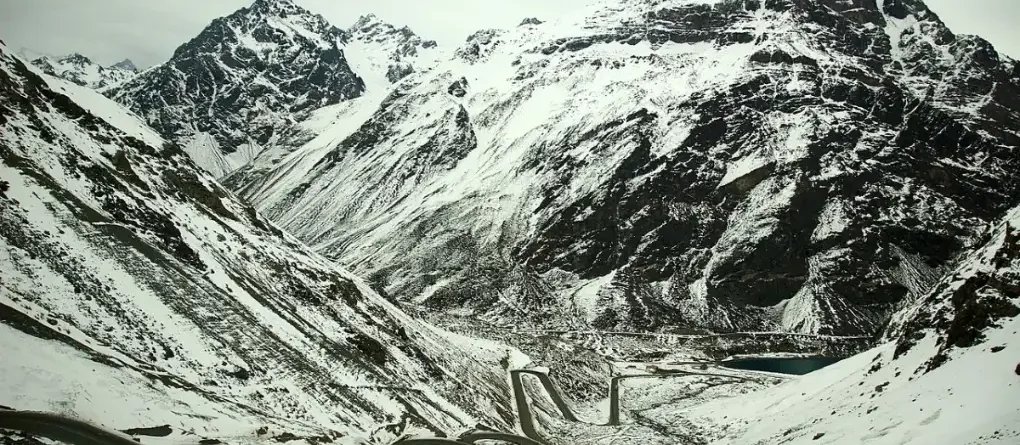
In Mendoza city and in Maipú the signal usually works well, but it’s better not to depend on it: a data plan that runs out, a foreign phone without roaming or a low battery leave you just as disconnected. Where you notice it most is in the mountains: on the road to the Cristo Redentor Pass, heading to Chile, coverage is patchy for a good part of the way.
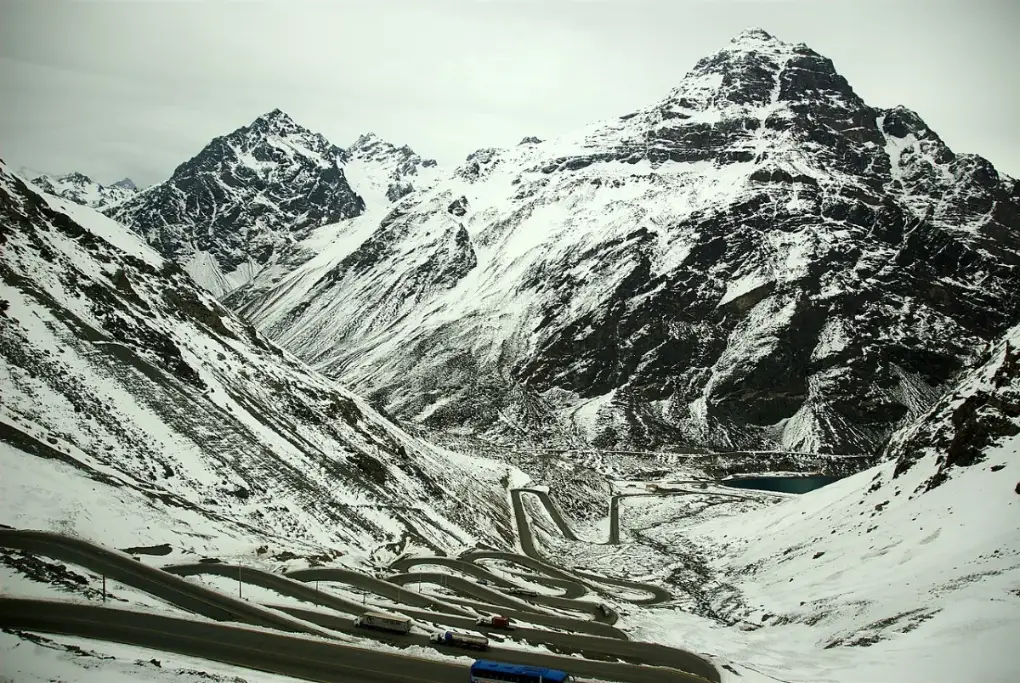
That’s why you prepare to travel without internet in Mendoza and Chile beforehand, while you’re still online: maps, translator, tickets and addresses saved on your phone.
Set up your translator to use it offline
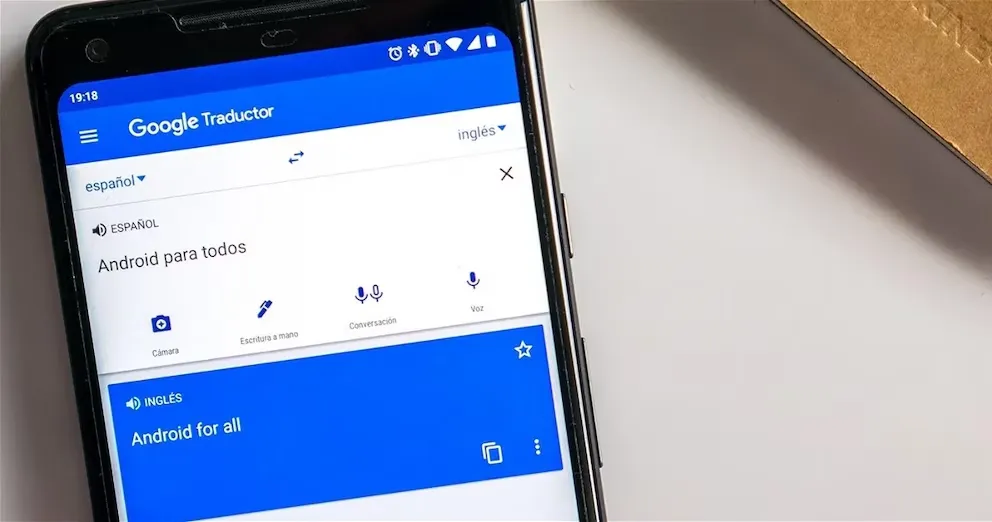
In Google Translate, download Spanish and your own language if both are available for download. Switch on airplane mode and try «¿Dónde queda la entrada principal?»[DOHN-deh KEH-dah lah en-TRAH-dah preen-see-PAHL], which means “where is the main entrance?”. Test the camera separately if you plan to read signs or menus. Availability depends on the language and the device.Google Translate Help.
Type the whole sentence. If you look upmañana on its own, the translator has to guess between “tomorrow” and “morning”. With «Llegamos mañana a la mañana» (“we arrive tomorrow morning”) it has more to go on. When a translation seems odd, show the original message and ask «¿Qué quiere decir acá?»[keh KYEH-reh deh-SEER ah-KAH], that is, “what does this mean?”.
Other apps that also work offline are Microsoft Translator and iTranslate: they translate text, voice and photos, and let you download languages. iTranslate also includes ready-made travel phrases. ChatGPT and Gemini, on the other hand, are useful for translating with context, for example a more formal message, but they need internet.Argentina.travel on translation apps.
What to save to travel without internet
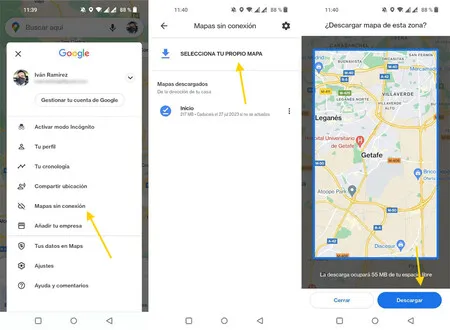
Download the map area you’re going to cover. Google Maps can guide you by car if the whole route is inside the downloaded area. Walking, cycling and public transport directions need a connection. For a bike day out, also save the directions, the junctions where you need to turn and the drop-off point.Google Maps Help.
If you need walking or cycling directions without signal, one option is a map app that works fully offline, such as Organic Maps, which lets you download whole regions and plan routes offline.
If you’re getting around by bus, checkMendoTran while you have a connection. Write down the line, the stop and the direction. To get to campus, save the address of the entrance, not just the name of the faculty. For a trip around Coquimbito, write down thecontact details and address of Maipu Bikes.
Quick checklist to travel without internet in Mendoza and Chile:
| What to prepare | How | Does it work offline? |
|---|---|---|
| Map of the area | Download the area in Google Maps or Organic Maps | Yes, within each app’s limits |
| Translator | Download Spanish and your language | Yes, depending on language and device |
| Tickets and bookings | Save them as a PDF or screenshot | Yes |
| Addresses | Write them down in full, with the street number | Yes |
| Bus route | Write down line, stop and direction | Yes |
| Important contacts | Save them on your phone and on paper | Yes |
Mobile data: local SIM, eSIM or wifi
To spend as little time as possible without internet while you travel, sort out your data on day one.
If you’re staying several days, a local SIM card can be more practical than roaming. In Argentina the main carriers are Claro, Movistar and Personal; in Chile, Entel, Movistar, Claro and WOM. Many travellers also use an international eSIM bought online before the trip. Before you choose, check that your phone is unlocked and compatible.
And don’t underestimate wifi: hostels, hotels, cafés and many wineries have it. Use it to update maps and messages before heading out.
Phrases to ask for wifi or charge your phone
- «¿Tienen wifi?»[TYEH-nen WHY-fy] Asks whether the place has a wifi network available.
- «¿Cuál es la clave del wifi?»[kwahl ehs lah KLAH-beh del WHY-fy] You ask for the password to connect. In Spain you can also say «¿Cuál es la contraseña del wifi?».
- «¿Dónde puedo cargar el celular?»[DOHN-deh PWEH-doh kar-GAR el seh-loo-LAR] You’re looking for somewhere to plug in and charge your phone. In Spain, «¿Dónde puedo cargar el móvil?».
- «¿Dónde compro un chip?»[DOHN-deh KOHM-proh oon cheep] You ask where they sell a SIM card. In Spain you can say «¿Dónde compro una SIM?».
- «Me quedé sin batería»[meh keh-DEH seen bah-teh-REE-ah] Your phone has run out of battery.
In Argentina a SIM card is called achip, and a mobile phone is acelular.
Do a test before you head out
If you’re crossing to Chile, save your ticket, the names of the bus terminals and the company’s contact details. Check any changes with the company while you still have signal. Before leaving, switch on airplane mode and try to open your ticket, find the entrance and translate a sentence. If something fails, you still have time to download it.

Save two questions that work even with your phone switched off: «¿Me lo puede escribir?»[meh loh PWEH-deh ehs-kree-BEER] (you ask someone to write down the address or the information for you) and «¿El punto de encuentro sigue siendo el mismo?»[el POON-toh deh en-KWEN-troh SEE-geh SYEN-doh el MEES-moh], to confirm that the meeting point hasn’t changed.
Travel without internet on the Wine Route
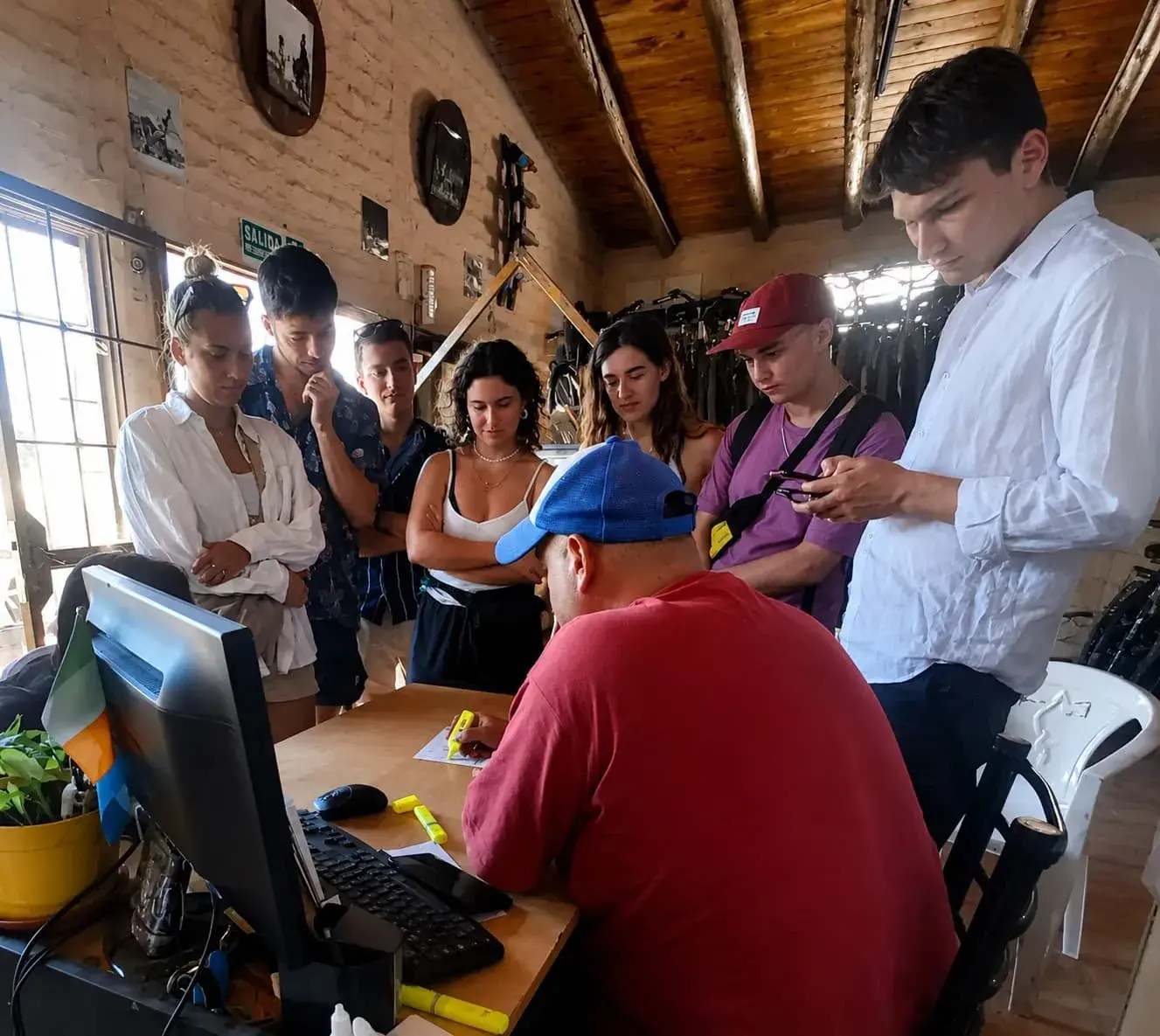
If you’re going cycling in Maipú, save the map of the area and the Maipu Bikes address beforehand. At our shop we give you a paper map with the wineries, olive groves and restaurants on the circuit, which works even if your battery dies. And if you need help along the way, there’s mechanical assistance within the circuit.
FAQ about how to travel without internet in Mendoza and Chile
Does Google Maps work without internet?
Yes, if you download the area beforehand. Offline it guides you by car; walking, cycling or public transport directions need signal.
Is there signal at the Cristo Redentor Pass?
Coverage is patchy along a good part of the mountain road. Download maps and tickets before you set off.
Is it worth buying a SIM card in Argentina?
If you’re staying several days, it’s usually more practical than roaming. Check first that your phone is unlocked.
How do I ask for the wifi password?
«¿Cuál es la clave del wifi?» [kwahl ehs lah KLAH-beh del WHY-fy].
Do I need internet for the Wine Route?
Not really: at Maipu Bikes we give you a paper map of the circuit.
Ride the Wine Route with a map in hand
Choose how to explore the Maipú wineries: on your own or with an itinerary we put together for you.
Self-Guided Wine Bike Tour
Self-guided bike rental
Bike, helmet, map and mechanical assistance. You choose your stops within the Maipu Bikes circuit and, if any of them requires a booking, we send you the link. Tastings and meals are paid separately. When you get back, the Free Malbec Wine Happy Hour is waiting for you.
Maipu Wine Bike Experience
Itinerary with coordinated bookings
You follow an itinerary with set times and we coordinate the bookings: Trapiche, Entre Olivos, Viña El Cerno and a tasting-menu lunch at Mevi. Bike, helmet and assistance included. At the end, the Free Malbec Wine Happy Hour.







Deja una respuesta